


Finding the right bug report template can dramatically reduce the time it takes to identify, document, and resolve software issues. A well-structured template ensures that developers receive all the necessary information upfront, eliminating frustrating back-and-forth communication and accelerating the entire debugging process. Instead of starting from scratch, you can deploy a proven format that captures essential details like environment specifications, steps to reproduce, and expected versus actual results.
This guide provides a curated list of the best bug report templates available today, sourced from platforms like Atlassian, ClickUp, and Marker.io. We have done the heavy lifting for you, analyzing each option to help you select the perfect fit for your team's specific workflow, whether you're in customer support, IT, or product development.
Each entry includes a direct link, a clear screenshot, and a practical analysis of its strengths and limitations. We’ll explore specific use cases, from simple bug tracking for small businesses to complex issue management within enterprise-level JIRA projects. Our goal is to help you quickly find and implement a template that brings clarity and efficiency to your bug reporting system. Let's dive in and find the solution that best suits your needs.
1. Screendesk
Best for Automated Visual Bug Reporting and Debugging
Screendesk represents a significant evolution beyond traditional static bug report templates, positioning itself as a premier choice for teams seeking to eliminate ambiguity and accelerate resolution. Instead of relying on text descriptions, it leverages video to create dynamic, context-rich reports. This platform empowers users and testers to record their screen instantly, capturing the exact sequence of events leading to a bug without requiring any downloads or installations.
What truly sets Screendesk apart is its automatic collection of deep technical data. Each video report is automatically enriched with console logs, network requests, and complete environment details (OS, browser version, screen resolution). This bundle of visual and technical information provides developers with a comprehensive diagnostic package, drastically reducing the back-and-forth communication typically needed to replicate an issue.
Standout Features & Use Cases
Screendesk excels in scenarios where bug reproducibility is difficult or when supporting non-technical end-users. Its seamless integration with helpdesk systems like Zendesk and Intercom means support agents can request a screen recording directly within an existing ticket, streamlining the entire workflow.
- No-Download Screen Recording: Customers can initiate a recording with a single click from their browser, lowering the barrier to submitting high-quality bug reports.
- Automatic Debugging Data: Instantly captures vital technical logs alongside the video, providing developers a complete picture without manual effort.
- Live Video Support: Agents can initiate live, interactive video calls to guide users or observe issues in real time.
- AI-Powered Analysis: The platform's AI capabilities help to quickly identify key events and errors within session recordings, speeding up the troubleshooting process.
- Privacy & Annotation: Built-in tools allow for blurring sensitive information and adding annotations to highlight specific parts of a video, ensuring both clarity and security.
Practical Implementation
To get the most out of Screendesk, integrate it directly into your primary customer support or QA platforms. Train your support team to use it as the first step for any visual or functional bug report. Pricing is available upon scheduling a demo, which also serves as an excellent opportunity to see how it can fit into your specific operational workflow.
Website: https://screendesk.io
2. Smartsheet
Smartsheet provides a valuable collection of free, downloadable bug report templates that are perfect for teams needing a straightforward, no-frills solution. Their strength lies in versatility, offering templates in universally compatible formats like Excel, Word, and Google Sheets. This makes them incredibly accessible for almost any team, regardless of their existing software stack.
These templates are ideal for smaller projects or organizations that haven't yet invested in a dedicated bug-tracking platform. They include all the essential fields necessary for a comprehensive report, such as issue summaries, steps to reproduce, severity, priority, and areas for attachments or screenshots.

Key Features & User Experience
Smartsheet's templates are designed for immediate use. You can download one and have your team filling it out within minutes, bypassing any complex setup or onboarding process. The layout is clean and intuitive, focusing on capturing critical information without overwhelming the user.
- Platform: Website with downloadable files.
- Cost: Completely free.
- Formats: Excel, Word, Google Sheets.
Practical Implementation
While these templates are static and require manual updates, they offer a solid foundation for a structured bug-reporting process. A small QA team could use the Google Sheets version as a shared, live document, allowing for collaborative updates without needing specialized software. This approach keeps the process simple and cost-effective.
Website: Smartsheet Bug Report Templates
3. Atlassian's Jira Templates
Atlassian offers a powerful, integrated approach to bug report templates directly within its Jira software. Instead of a downloadable file, this template is a core part of a comprehensive project management ecosystem designed for software development teams. It standardizes how bugs are reported, tracked, and resolved, ensuring every issue contains critical information like descriptions, environment details, and steps to reproduce.
This solution is ideal for development teams of any size already using or planning to adopt an agile workflow. The template is woven into Jira's project boards, backlogs, and reporting dashboards, providing a single source of truth for the entire team and eliminating the need to juggle separate documents or platforms.

Key Features & User Experience
Jira's bug reporting system is built for collaboration and efficiency. The interface allows users to create detailed tickets, attach files, and link issues to specific code commits or feature sprints. Because it's a live system, updates are reflected in real-time for all stakeholders. The initial setup can be complex, but it pays off with enhanced visibility and process control.
- Platform: Integrated within Jira software.
- Cost: Requires a Jira subscription (free and paid tiers available).
- Formats: N/A (Web-based platform).
Practical Implementation
Implementing Jira's template means adopting a structured workflow. A QA tester can create a bug ticket, which is then automatically routed to the development team's backlog for prioritization. Managers can use dashboards to monitor bug trends and resolution times. To get the most out of it, teams should follow bug reporting best practices to maintain clarity and consistency. Explore some of these bug reporting best practices to maximize the platform's effectiveness.
Website: Atlassian Jira
4. ClickUp
ClickUp moves beyond static files by offering dynamic and customizable bug report templates directly within its all-in-one project management platform. This integrated approach is ideal for teams that want to embed bug tracking into their existing development and project workflows, rather than managing it in separate documents. ClickUp combines task management with robust bug reporting, making it a powerful solution for agile teams of all sizes.
The platform allows you to create bug reports as tasks, which can then be assigned, prioritized, and tracked through various stages of resolution. Its strength lies in its ability to adapt to your team’s specific needs, allowing you to add custom fields, create automations, and visualize data in multiple formats like lists, boards, or calendars.

Key Features & User Experience
ClickUp’s interface is modern and user-friendly, though its extensive features can require a brief learning period to fully customize. The platform excels at centralizing communication, allowing team members to comment directly on bug tasks, attach files, and link related work, which keeps all relevant information in one place.
- Platform: Integrated Project Management Software.
- Cost: Free plan available; paid plans unlock advanced features.
- Formats: N/A (Web-based platform).
Practical Implementation
A development team can use ClickUp’s free bug tracking template to immediately establish a streamlined process. When a new bug is reported, an automation can be set to automatically assign it to the QA lead and tag it as "New". As the bug moves from "In Progress" to "Resolved", the entire team has full visibility, eliminating the need for manual status updates and reducing communication overhead.
Website: ClickUp
5. Marker.io
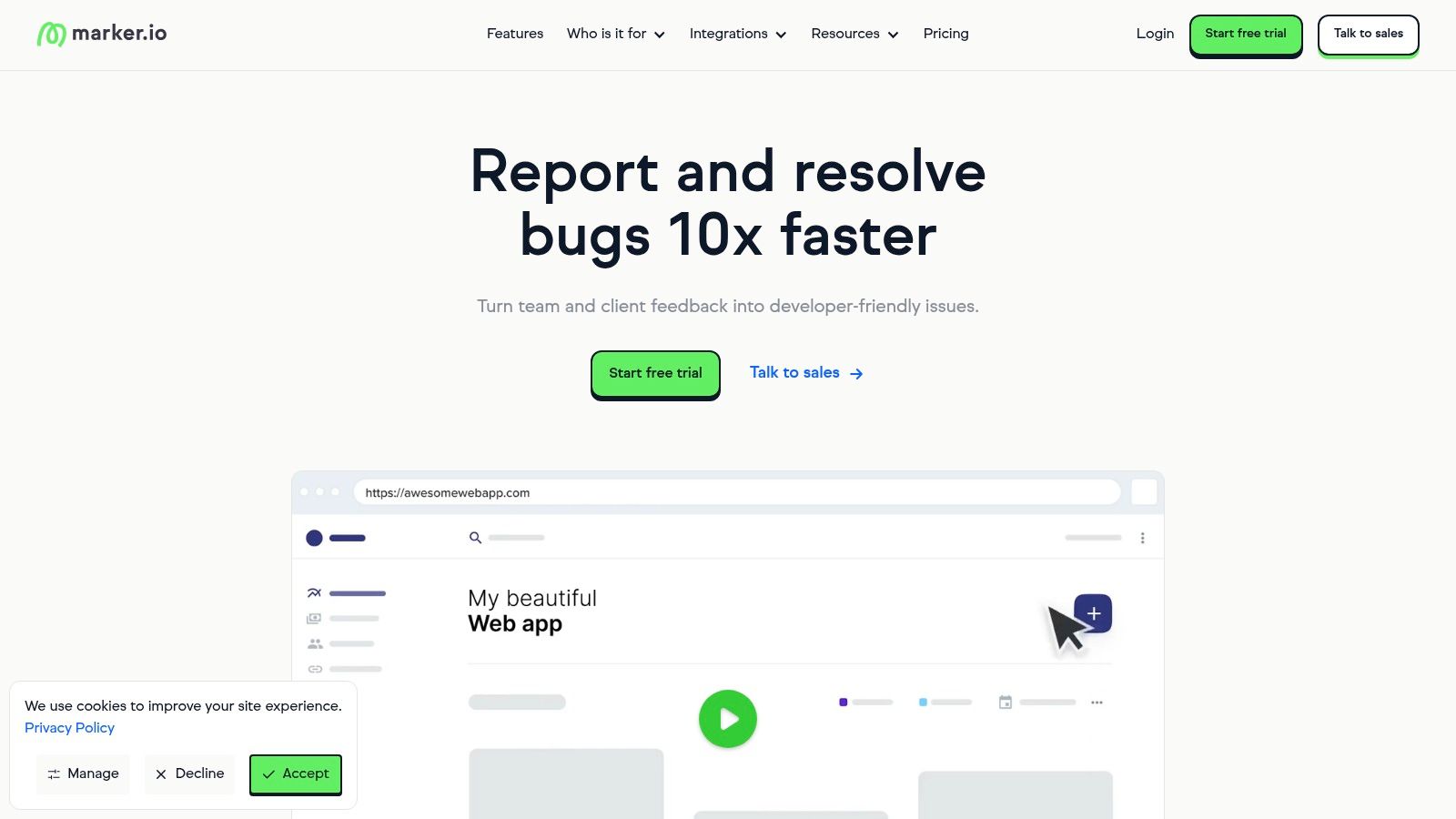
Marker.io provides a collection of 14 free bug report templates specifically crafted for QA testing workflows. The main advantage here is their focus on seamless integration; these templates are designed to be copied directly into popular project management tools like Jira, Trello, and Asana, or used in standard spreadsheets. This approach bridges the gap between manual reporting and integrated systems.
These templates are perfect for teams that already use a project management tool but lack a standardized format for issue reporting. They ensure every necessary detail is captured, from environment specifics and console logs to annotated screenshots, which helps streamline the communication between QA testers and developers for faster resolutions.
Key Features & User Experience
Marker.io’s templates are built for clarity and action. They are more than just a list of fields; they are structured to guide the reporter in providing complete and useful information. The user experience is straightforward, you simply visit their site, find a template that fits your workflow, and copy it.
- Platform: Website with copyable templates.
- Cost: Completely free.
- Formats: Compatible with Jira, Asana, Trello, Excel, etc.
Practical Implementation
A QA team can adopt a Marker.io template as their official standard for creating tickets within their existing Jira or Asana project. By making this template mandatory for all bug submissions, they ensure consistency and completeness. This eliminates the back-and-forth often caused by incomplete reports, making the entire development cycle more efficient without added software costs.
Website: Marker.io Bug Report Templates
6. Template.net
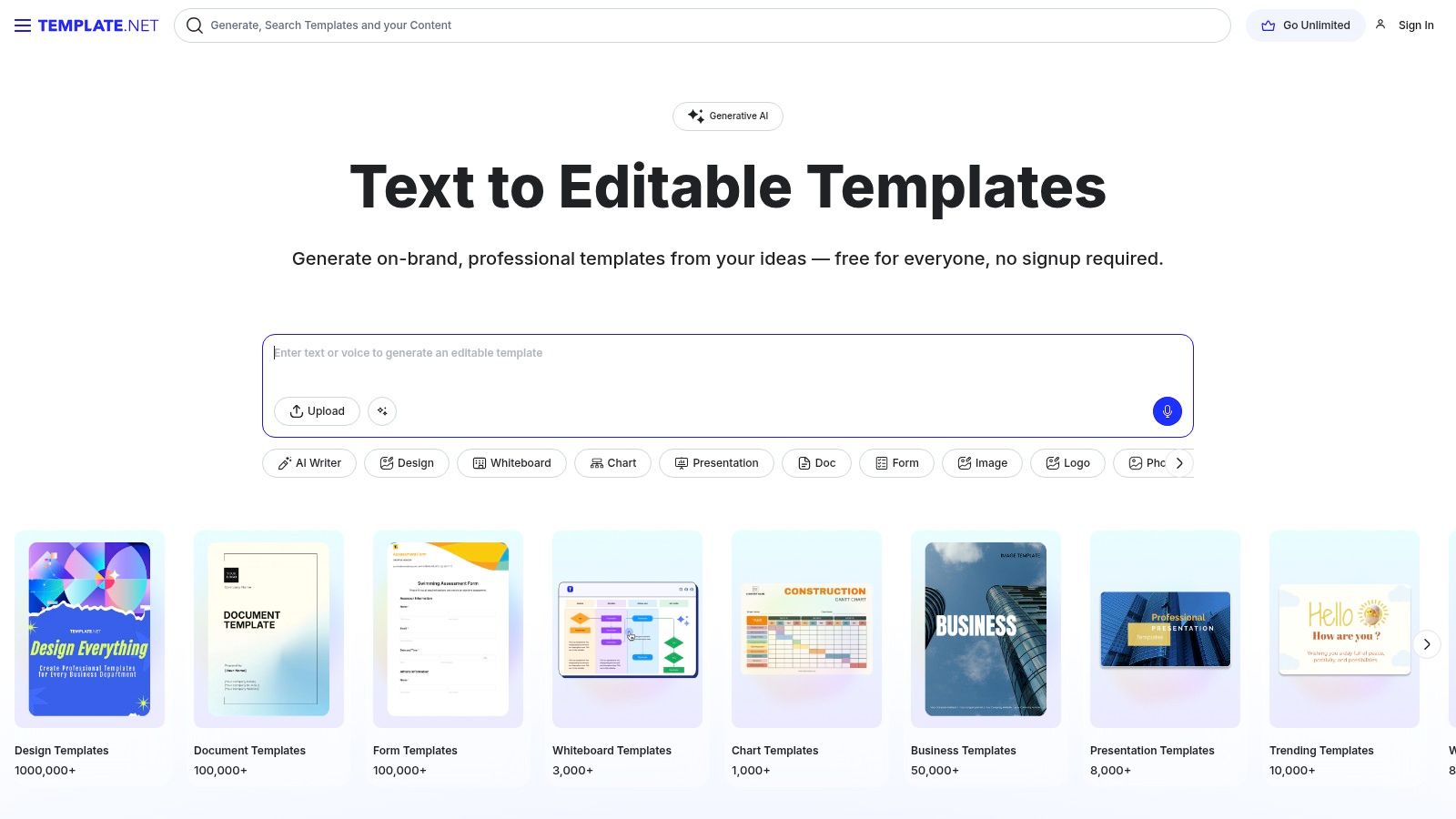
Template.net offers a wide assortment of free, editable bug report templates designed for users who prioritize customization and professional design without needing any graphic design skills. Its standout feature is an online editor that allows you to personalize templates directly in your browser before downloading or printing. This makes it a great resource for teams that want a polished, branded look for their internal or client-facing bug documentation.
The platform provides diverse layouts, from simple software testing forms to more detailed QA summary reports. This variety ensures you can find a starting point that closely matches your project's specific reporting requirements, saving time on creating a structure from scratch.
Key Features & User Experience
The user experience on Template.net is centered around its powerful online editor. You can easily modify text, change colors, and add logos to create a document that aligns with your company's branding. While some advanced templates might require registration, many are available for immediate use.
- Platform: Website with online editor and downloadable files.
- Cost: Free (with premium options available).
- Formats: Customizable online, then downloadable in various formats.
Practical Implementation
Template.net is ideal for creating visually appealing, printable bug reports or for generating a standardized PDF template for a project kick-off. A freelance QA tester could use it to provide professional-looking reports to different clients, customizing the template for each one. The main limitation is that these are static documents, lacking the dynamic tracking capabilities of a dedicated project management tool.
Website: Template.net
7. TeamGantt
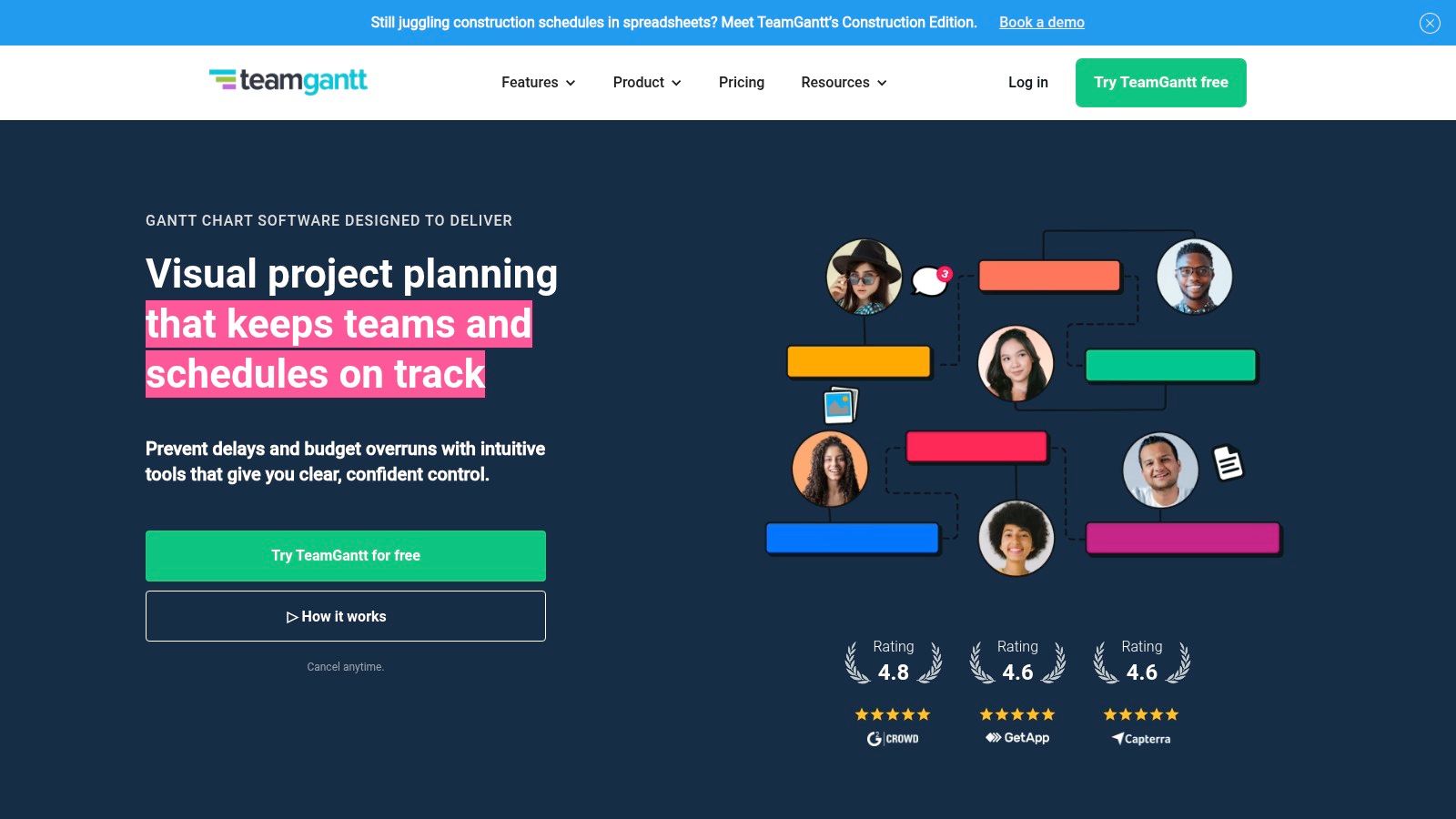
TeamGantt integrates bug tracking directly into its project management ecosystem, offering a free bug report template that leverages the power of visual timelines. This approach is unique because it connects bug resolution directly to the project schedule, allowing managers to see how issues impact overall progress. It’s built for teams who need to manage bug fixes as part of a larger project plan rather than as isolated tasks.
This solution is best for teams already using or considering TeamGantt for project management. It transforms bug reports from simple logs into scheduled tasks within a Gantt chart, providing clarity on dependencies and timelines for the entire development cycle.
Key Features & User Experience
TeamGantt’s strength is its visual and collaborative interface. The bug report template is fully customizable, and its integration within the platform means teams can discuss, assign, and track bugs without leaving their primary project workspace. The user experience is centered around the Gantt chart, which might present a slight learning curve but offers powerful visual tracking once mastered.
- Platform: Web-based project management tool.
- Cost: Free plan available; paid plans offer more features.
- Formats: Integrated web template.
Practical Implementation
To use this template, a team would incorporate bug reporting as a task group within their project’s Gantt chart. When a bug is reported, it appears on the timeline, and its duration can be estimated and adjusted. This is highly effective for seeing how a critical bug fix might delay other dependent tasks, enabling proactive resource allocation and timeline management.
Website: TeamGantt
8. Paperform
Paperform offers a powerful and highly customizable bug report template in the form of an online form builder. Its standout feature is its deep integration capability, allowing you to connect your bug reporting form to over 1,000 other applications. This transforms a simple submission form into the starting point for a fully automated workflow, making it a sophisticated choice for teams looking to streamline their processes.
Unlike static downloadable files, Paperform creates an interactive, user-friendly experience for the person reporting the issue. You can design a form that is easy to navigate, guiding users to provide all necessary details like reproduction steps, environment data, and file attachments. This is ideal for collecting feedback directly from customers or non-technical internal teams.
Key Features & User Experience
Paperform's drag-and-drop editor makes creating a detailed bug report form incredibly simple. The platform's strength lies in its automation potential; a new submission can automatically create a task in Trello, add a row in a Google Sheet, and send a notification in Slack, all without manual intervention.
- Platform: Online form builder.
- Cost: Requires a Paperform subscription (paid plans).
- Formats: Embeddable web form.
Practical Implementation
This tool is perfect for organizations that need a public-facing bug submission portal or want to automate their internal reporting pipeline. For instance, a SaaS company could embed a Paperform on its support page. When a customer submits a bug, the data is instantly routed to the development team's project management tool, creating a ticket and notifying the QA lead, dramatically improving response and resolution times.
Website: Paperform Bug Report Template
9. Jotform
Jotform takes bug reporting a step further by shifting from static documents to dynamic, interactive online forms. It offers a powerful and customizable bug report template that allows users to submit issues directly through a web-based interface, streamlining the collection process significantly. This approach is perfect for teams that need a more automated and user-friendly way to gather feedback from both internal testers and external users.
What makes Jotform stand out is its deep integration capabilities. Once a bug is submitted, the data can be automatically sent to over 100 other applications, such as Trello, Slack, Asana, or Google Sheets. This automation turns a simple form submission into a trigger for a complete workflow, creating tasks and notifying the right team members instantly.
Key Features & User Experience
Jotform’s drag-and-drop form builder makes customization incredibly simple, requiring no coding knowledge. You can add, remove, and rearrange fields to create a bug report form tailored to your project’s specific needs. The user experience is smooth for both the form creator and the end-user submitting the report.
- Platform: Online form builder.
- Cost: Free plan available; paid plans unlock advanced features.
- Formats: Web-based form.
Practical Implementation
Jotform is ideal for companies wanting to create a public-facing bug submission portal or an internal tool that requires minimal training. By embedding the form on a website or sharing a direct link, you can centralize all incoming reports. For example, a support team could use a Jotform to ensure all necessary details are captured from a customer before a ticket is even created, reducing back-and-forth communication and improving efficiency.
Website: Jotform Bug Report Form Template
10. Pipefy
Pipefy elevates the concept of a template by offering a free, fully integrated bug tracking template within its workflow management platform. It's designed for teams who want to move beyond static documents and centralize bug reporting into a dynamic, automated process. This solution is perfect for centralizing bug tickets and streamlining the path to resolution.
Pipefy stands out by providing customizable forms, automated workflows, and the ability to integrate with existing software, all within its platform. This approach transforms a simple bug report into an actionable item that moves through a predefined process, from submission to fix and verification.

Key Features & User Experience
Pipefy's interface is user-friendly, guiding you through setting up a bug tracking "pipe" or workflow. The template is pre-configured with essential stages like "Backlog," "In Progress," and "Done," but it remains fully customizable to match your team's specific process. This makes the platform adaptable for teams of all sizes. Learn more about how Pipefy's approach compares to a standard problem report template.
- Platform: Web-based workflow automation software.
- Cost: Free plan available; paid plans offer more features.
- Formats: Integrated online platform (not a downloadable file).
Practical Implementation
While there can be a slight learning curve for users new to workflow automation tools, the benefits are substantial. A QA team can use Pipefy to not only collect bug reports but also to automatically assign them to developers, send notifications upon status changes, and track resolution times. This real-time visibility and automation significantly enhance team collaboration and reduce manual overhead.
Website: Pipefy
11. ProjectManager
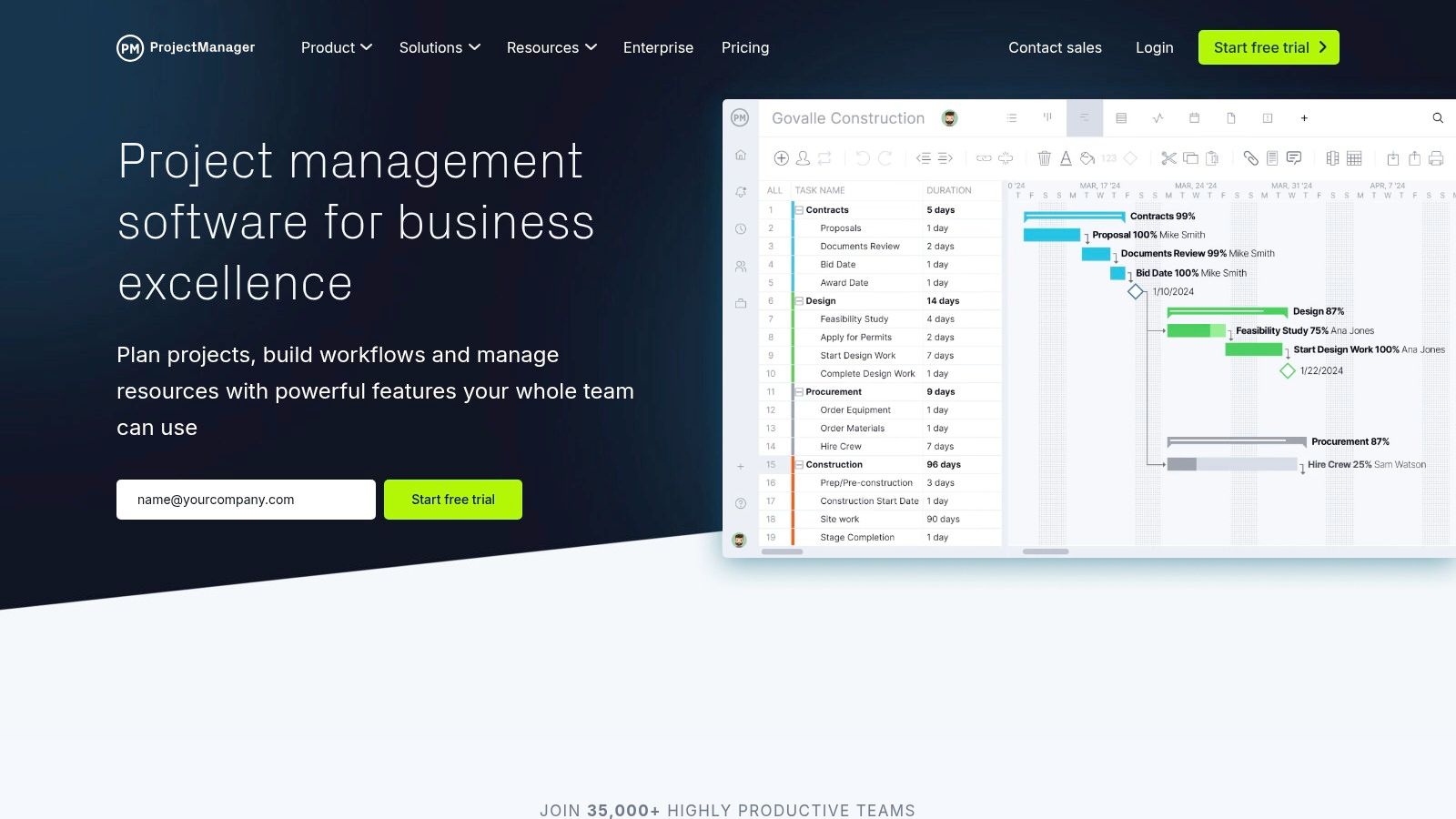
ProjectManager provides a free, downloadable Excel bug report template that serves as an excellent starting point for teams needing a structured way to document software issues. Its primary strength is its seamless integration potential with ProjectManager's broader suite of project management tools, bridging the gap between a simple spreadsheet and a fully collaborative platform. This makes it a great choice for teams already using or considering ProjectManager for their workflow.
The template itself is straightforward and covers all the crucial fields for effective bug tracking, such as bug ID, summary, priority, assignee, and status. It offers a clean, user-friendly layout that is easy to understand and use immediately, even for non-technical team members.
Key Features & User Experience
ProjectManager's template is built for simplicity and efficiency. While the Excel file is static, its design encourages a transition into their dynamic software environment, where the data can be visualized on Kanban boards or Gantt charts. The initial setup is effortless, requiring just a simple download.
- Platform: Website with a downloadable file.
- Cost: Completely free.
- Formats: Excel.
Practical Implementation
This template is ideal for teams that need a basic bug tracker but anticipate scaling their project management efforts. A team can start by using the Excel sheet to standardize bug reporting. As the project grows, they can import this data into ProjectManager's platform to gain access to advanced collaboration, real-time tracking, and automated reporting features, enhancing team communication and visibility.
Website: ProjectManager Bug Report Template
12. GitHub
GitHub isn't just for code; it offers a powerful, integrated solution for creating bug report templates directly within a project's repository. This approach is exceptional for development teams because it keeps bug reporting, tracking, and resolution all in one place, streamlining the entire workflow. Instead of using external tools, developers can manage issues using the same platform they use for version control.
The key advantage is standardization. By creating an ISSUE_TEMPLATE/bug_report.md file in their repository, teams can define the exact structure and fields required for a bug submission. This ensures every report contains consistent, actionable information, which significantly speeds up the debugging process. The templates are written in Markdown, allowing for rich formatting and clear instructions.

Key Features & User Experience
GitHub's bug reporting is deeply woven into its collaborative environment. When a user opens a new issue, they can select the bug report template, which pre-populates the submission form. This guided process is intuitive for both technical and non-technical reporters. For a great overview of structuring these reports, you can explore this detailed bug report example.
- Platform: Natively integrated into GitHub repositories.
- Cost: Free for public and private repositories (included with GitHub plans).
- Formats: Markdown (
.md) files.
Practical Implementation
Implementing a bug report template is as simple as adding a Markdown file to the .github folder of a repository. This is perfect for any software development team, from open-source projects to enterprise-level applications, already using GitHub. It eliminates the need for context-switching between different applications and ensures that bug reports are directly linked to the codebase, pull requests, and project boards.
Website: GitHub
Bug Report Template Tools Comparison
| Product | Core Features/Characteristics | User Experience / Quality ★ | Value Proposition 💰 | Target Audience 👥 | Unique Selling Points ✨ |
|---|---|---|---|---|---|
| 🏆 Screendesk | Video-based support: screen recordings, live calls, debugging data capture | ★★★★★ Seamless, no downloads | Contact for pricing, free trial | Startups to large enterprises, IT & support teams | AI-powered analysis, video editing, integrated with major helpdesks |
| Smartsheet | Free customizable bug report templates in Excel/Word/Sheets | ★★★☆☆ Static, manual updates | 💰 Free | Various industries, project managers | Multiple template formats, easy to implement |
| Atlassian's Jira Templates | Integrated in Jira with workflow & agile support | ★★★★☆ Real-time tracking | Requires Jira subscription | Software teams of all sizes | Workflow customization, dashboards |
| ClickUp | Customizable templates with multiple views & automations | ★★★★☆ User-friendly interface | Free plan; advanced paid | Small to large teams | Multiple views, workflow automations |
| Marker.io | 14 free templates for QA, compatible with Jira, Asana, Excel | ★★★☆☆ Static templates | 💰 Free | QA and development teams | Cross-platform template compatibility |
| Template.net | Online editable & printable templates | ★★★☆☆ Easy to customize | 💰 Free | General users needing templates | Online customization, no design skills needed |
| TeamGantt | Bug report & tracking with Gantt charts | ★★★★☆ Real-time collaboration | Requires subscription | Teams needing visual project tracking | Gantt chart visualization |
| Paperform | Online customizable forms with 1,000+ app integrations | ★★★★☆ Streamlined with automation | Subscription required | Teams needing form-based bug collection | Extensive app integrations |
| Jotform | Free customizable online forms with 100+ app integrations | ★★★★☆ User-friendly with automation | Free with paid advanced features | Teams of all sizes | Easy setup, automation support |
| Pipefy | Bug tracking with automations, customizable within platform | ★★★★☆ Collaboration focused | Subscription required | Teams requiring process automation | Automated workflows, integration tools |
| ProjectManager | Free Excel template with integration to project tools | ★★★☆☆ Static, manual updates | 💰 Free | Teams using ProjectManager | Simple Excel-based bug tracking |
| GitHub | Templates integrated into repos for standardization | ★★★★☆ Developer collaboration | 💰 Free | Developers on GitHub | Direct repo integration, real-time updates |
Final Thoughts
We've explored a comprehensive landscape of tools and resources, from dedicated issue trackers like Jira and ClickUp to versatile form builders like Jotform and Paperform. The journey through these twelve powerful options underscores a fundamental truth: a well-structured bug report is the cornerstone of efficient software development and exceptional customer support. The right template doesn't just collect information; it streamlines communication, eliminates ambiguity, and accelerates the entire debugging process.
By now, you should have a clear understanding that the "best" template is not a one-size-fits-all solution. The ideal choice is deeply connected to your team's specific context, existing workflows, and technical environment.
Key Takeaways for Choosing Your Template
As you move forward, keep these core principles in mind to guide your decision-making process:
- Integration is Key: The most effective bug report templates are those that fit seamlessly into your existing toolstack. Consider how a template from Marker.io integrates with Jira, or how a GitHub issue template lives within your development environment. Minimizing friction for both reporters and developers is paramount.
- Context Over Complexity: A template for an internal QA team using ProjectManager will require far more technical detail than one designed for non-technical customers. Always tailor the complexity of your form to the person filling it out. For external-facing reports, simplicity and visual aids are your best friends.
- Visuals Accelerate Resolution: Tools that inherently support visual context, like annotated screenshots and screen recordings, are invaluable. Solutions like Marker.io and Screendesk are built around this principle, drastically reducing the back-and-forth often required to understand a user's problem.
Actionable Next Steps
With these insights, your path forward is clearer. Here’s how to proceed:
- Define Your Primary Use Case: Are you building a system for internal QA, external customer support, or both? Your answer will immediately narrow down the list of suitable candidates.
- Audit Your Current Workflow: Identify the biggest pain points in your current bug reporting process. Are reports missing crucial information? Is there too much manual data entry? Use these problems to define your requirements.
- Shortlist and Trial: Select two or three tools from our list that align with your needs. Most offer free trials or freemium plans. Set up a pilot program with a small group to test the templates in a real-world scenario before committing to a company-wide rollout.
Ultimately, adopting a standardized bug reporting system is an investment in clarity, efficiency, and a better end-user experience. By thoughtfully selecting and implementing one of the bug report templates we've discussed, you empower your team to stop chasing information and start solving problems faster.
Ready to eliminate messy bug reports and resolve issues faster? Screendesk provides a powerful, no-code solution that allows your customers to report bugs directly from your website with screen recordings and annotated screenshots, automatically creating detailed tickets in your help desk. Try Screendesk for free and see how visual bug reporting can transform your support workflow.
